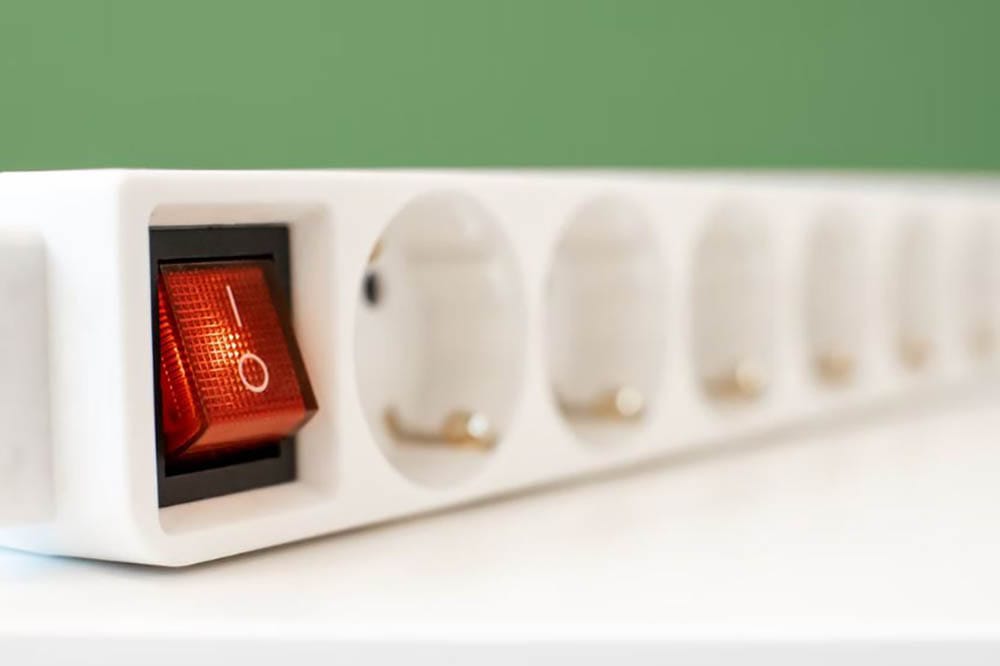
Can You Plug a Surge Protector into an Extension Cord?
Surge protectors are essential for protecting our electronic devices from power spikes and surges. They provide an extra layer of security, especially during power outages or lightning storms.
However, there may be situations where you find yourself needing to use an extension cord with a surge protector. But is it safe to do so?
In this article, we will explore the potential risks and considerations of plugging a surge protector into an extension cord.
Understanding Surge Protectors and Extension Cords
Before delving into whether it is safe to combine a surge protector and an extension cord, it’s important to understand the purpose and functionality of each.
Surge Protectors
Surge protectors are designed to safeguard your electronic devices from sudden power spikes and surges.
These power fluctuations can occur during power outages, lightning storms, or when power is restored after an outage.
Surge protectors work by diverting excess voltage away from your devices and preventing it from reaching them.
Extension Cords
On the other hand, extension cords, also known as power extenders, are used to provide power to appliances or devices that are located far from a wall outlet.
They are especially useful when additional outlets are temporarily needed and no nearby wall outlets are available.
Can You Plug a Surge Protector into an Extension Cord?
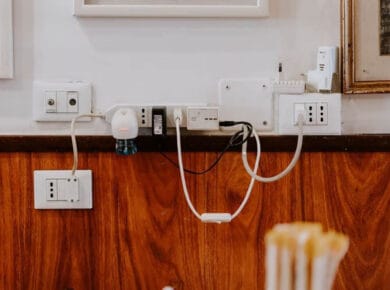
Technically, it is possible to plug a surge protector into an extension cord. However, it is not advisable due to safety concerns.
While extension cords are designed to handle electrical loads, they are not meant to withstand the high power demands of surge protectors for extended periods.
Extension cords have a gauge, which determines their maximum amperage capacity.
If you plan to plug a surge protector into an extension cord, ensure that the cord can handle the same amount of current or more.
Using an extension cord with a lower gauge than the surge protector can lead to overheating and potential fire hazards.
The Dangers of Plugging a Surge Protector into an Extension Cord
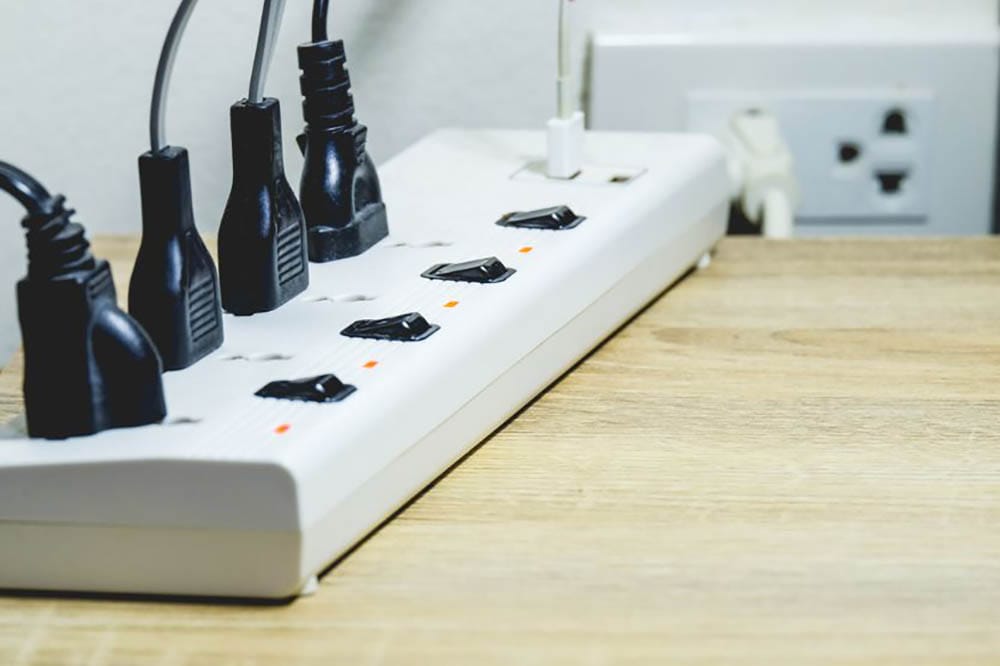
Plugging a surge protector into an extension cord can pose several risks. Here are some of the potential dangers:
1. Overloading the Extension Cord
Extension cords have a limited capacity to handle electrical loads.
When you connect a surge protector with multiple devices to an extension cord, you risk overloading the cord.
This can cause the cord to heat up, potentially leading to a fire hazard.
2. Loosening the Connection
Combining a surge protector and an extension cord can compromise the stability of the connection.
The added weight and stress from the surge protector can loosen the connection, leading to intermittent power supply or even complete disconnection.
This can result in damage to your devices or a potential safety hazard.
3. Daisy-Chaining Extension Cords
In some cases, people may be tempted to daisy-chain multiple extension cords to reach their desired location.
This practice involves connecting one extension cord to another, creating a longer power path.
However, daisy-chaining extension cords is not recommended as it increases the electrical resistance and can underpower your appliances or devices.
It also adds more failure points to the circuit, increasing the risk of electrical hazards.
Choosing the Right Solution
Instead of plugging a surge protector into an extension cord, it is best to choose the right solution for your power needs.
Here are some alternatives to consider:
1. Use a Longer Extension Cord
If you require additional length to reach your devices, consider using a longer extension cord that is suitable for the power demands of your devices.
Make sure to choose an extension cord with the appropriate gauge to handle the electrical load without overheating.
2. Install Additional Outlets
If you frequently find yourself in need of extra outlets, it might be worth considering installing additional outlets in your home or office.
Consulting a qualified electrician can help ensure that the outlets are installed safely and meet your specific power requirements.
3. Utilize Power Strips
Power strips, similar in appearance to surge protectors, provide multiple outlets for your devices.
However, it’s important to note that power strips do not offer the same level of surge protection as dedicated surge protectors.
If you choose to use a power strip, be cautious of the power load and avoid plugging high-wattage appliances into them.
Devices Suitable for Surge Protectors
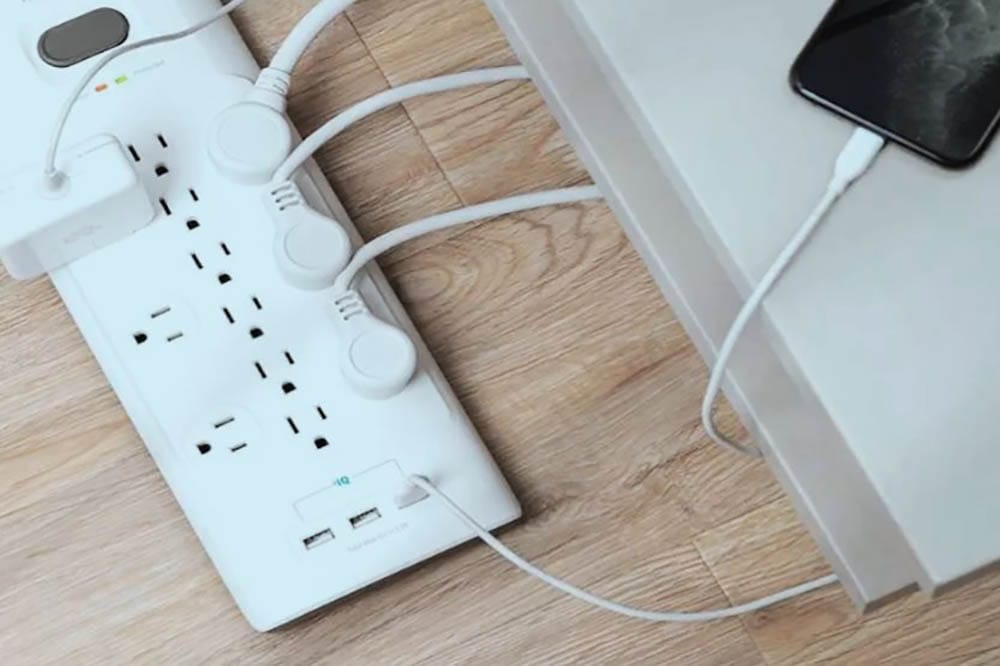
While it is crucial to avoid plugging certain appliances into surge protectors, there are plenty of devices that are suitable for surge protector use.
Here are some examples:
- Lamps: Lamps are low-energy appliances, and plugging them into a surge protector poses no significant risk.
- Computers: Desktop computers, laptops, and other computer peripherals can benefit from the protection provided by surge protectors.
- Smartphone and Tablet Chargers: The low power consumption of smartphone and tablet chargers makes them safe to use with surge protectors.
Remember to assess the power consumption of your devices and ensure they are within the surge protector’s capacity.
Conclusion
While it is technically possible to plug a surge protector into an extension cord, it is not recommended due to safety concerns.
Extension cords are not designed to handle the high power demands of surge protectors for extended periods, and doing so can pose fire hazards and increase the risk of electrical failures.
Instead, choose the appropriate solution for your power needs, such as using longer extension cords or installing additional outlets.
Always prioritize safety when dealing with electrical devices and consult a qualified professional if needed.


 Shery
Shery